Is a Smart Lock Safe? What to Check Before You Buy One
Short answer
Yes. A good smart lock is not less safe than a key lock. It is safe in a different way.
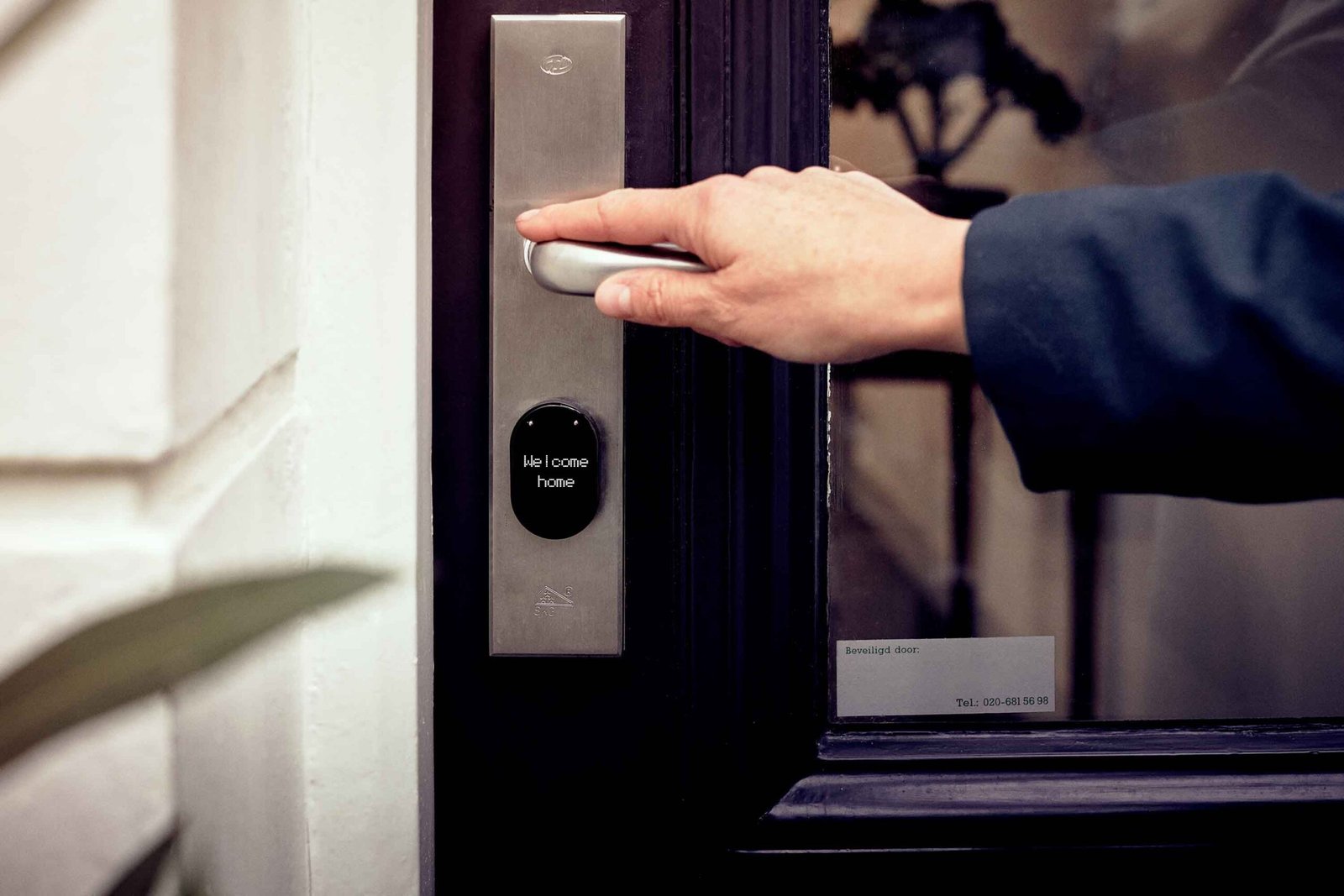
A key lock has one weakness. That weakness is the key. Lose the key and anyone holding it walks in. Copy the key and the same thing happens. Hide the key under the mat and the risk stays. A smart lock removes that weakness. It replaces it with three new risks. Someone could guess your code. The lock could go offline. The battery could die. All three risks are manageable. This guide covers each one honestly. It also covers the cases where a smart lock is the wrong buy.
If you only remember one sentence then make it this one. Buy a named brand. Check its security grade before you pay. Never skip the backup way in.
The three real risks
1. Someone guessing your code
This is the risk people actually face. It has nothing to do with hacking. A four digit code has 10000 combinations. Nobody tries all 10000 combinations. They try 1234. They try your birth year. They try the year you moved in. They try 0000. Your code might be written on a sticky note by the door. It might be shared with the dog walker and the cleaner and three guests. In that case it is not a code any more. It is a spare key you handed out.
The fix is boring and it works. Use a code that is not a date and not a pattern. Give each person a different code. Delete the guest codes when the guest leaves. Most decent locks let you make 25 codes or more. The Yale Assure Lock 2 holds up to 250 codes. There is no reason for everyone to share one code.
2. The lock going offline
Smart locks run on your home Wi-Fi or Bluetooth. If the Wi-Fi goes down then the remote features stop. You cannot lock the door from the office. The app cannot tell you whether the door is locked. The lock itself keeps working. It runs on its own batteries. The keypad is local. You can still type your code at the door. What you lose is the remote part. You do not lose the lock part.
That distinction matters when you are choosing. A lock that needs the cloud to open at all is a bad design. Every lock in this guide opens at the door without internet. If a lock you are considering cannot do that then do not buy it.
3. The battery dying
Every smart lock runs on batteries. Most models use four AA batteries. The batteries last somewhere between three months and a year. The exact life depends on the model and on how often the door is used. When the batteries get low the lock warns you. The warning appears in the app. It also appears as a light or a sound at the keypad. The people who get locked out are the people who ignored that warning for weeks.
Even then a good lock has a way back in. That backup is different on every model. That is why it is one of the three checks below. Do not buy a lock until you know exactly what its backup is.
Can a smart lock be hacked?
Yes. It can be hacked in the same way a computer can be hacked. Usually that is not the way burglars get in.
Most break-ins are still physical. A burglar kicks a door. A frame gives way. A cylinder snaps. Police and crime surveys keep putting forced entry at the top of the list. No hacker has ever kicked a door in. The digital risk is real. It sits further down the list. It mostly comes through the account and not through the lock. Someone reuses a password from a breached shopping site on their smart lock app. That login then opens the door. That attack is called credential stuffing. The defence is a unique password and two factor authentication on the lock app. You should already be doing those two things for your email.
There is a second quieter risk. Cheap no-name locks can stop getting security updates. In October 2026 researchers disclosed a flaw in TTLock. TTLock is the app and firmware behind a large number of budget smart locks. A hardcoded encryption key was baked into the app. Anyone in Bluetooth range could forge an unlock command. That is not a flaw in the idea of a smart lock. It is a flaw in buying a lock from a brand you have never heard of. That brand has no update history. The lock was $40 cheaper and that saving created the risk. In the same year researchers found a Bluetooth flaw in the SwitchBot Lock Pro. The company fixed the flaw in a firmware update. That response shows the difference a real brand makes. A lock that gets updates is a lock that can be fixed. A lock that never gets one cannot be fixed.
So where does that leave you? A smart lock from a brand with a track record is not the weak point in your front door. Keep the lock updated. Use a unique password and two factor authentication. The frame is usually weaker. The strike plate is usually weaker. The screws holding them in are usually weaker. A smart lock does nothing about those parts. Use the long 3 inch screws that come in the box. Put them into the stud and not just into the door frame. That one step does more for your security than any setting in the app.
The three checks before you buy
Check 1: the security grade
Locks in the US are tested under the ANSI and BHMA standards. The grade is the one number that lets you compare brands honestly. For deadbolts the scale is simple.
- Grade 1 is the highest rating. It is the strongest tested deadbolt. In forced entry testing a Grade 1 deadbolt must survive 10 heavy strikes and 250000 lock and unlock cycles.
- Grade 2 is the solid residential standard. It must survive 5 strikes and 150000 cycles. This grade is the minimum you should accept on a front door.
- Grade 3 is basic. It suits interior doors. Never put a Grade 3 lock on an exterior door.
Some smart locks carry the newer BHMA residential AAA rating instead. That rating maps closely to Grade 1. The Schlage Encode Plus is one of those locks. Either way the rule is the same. If the box does not state a grade at all then that silence is your answer. The maker did not want it tested or did not like the result.
Check 2: auto-lock and tamper alerts
A smart lock that does not lock itself depends on your memory. Memory fails at 11pm. Auto-lock means the door locks itself 30 seconds after it closes. It is the single most useful feature a smart lock has. It should be on from day one. Check that the lock you buy has auto-lock. Check that auto-lock actually works with your door. If the door does not close fully on its own then auto-lock will try to throw the bolt into the frame. The bolt will jam. A door that sticks needs fixing first.
Tamper alerts are the second half. A good lock tells your phone when someone enters a wrong code several times. It also alerts you when someone tries to force the lock or removes the cover. That alert is worth more than a louder alarm. It tells you while something is happening. It does not wait until the morning after.
Check 3: what happens when the battery dies
Ask this before you buy. Do not ask it at midnight outside your own house. The answer is different for every lock.
- Schlage Encode Plus costs around $285. It has a physical backup key. If the batteries die then you use the key like a normal lock. Note one thing people get wrong. The Encode series does not have a 9V jump-start feature. That feature belongs to the older Touch series. The Schlage support page says so plainly. The backup is the key. Keep the key somewhere you can reach it. Keep it with a trusted neighbour. Do not keep it inside the house.
- Yale Assure Lock 2 costs around $180 to $250 depending on the version. The keyed versions come with a backup key. Every version has two small contacts at the bottom of the keypad. Hold a fresh 9V battery against the contacts. Type your code while holding the battery there. The lock gets enough power for one unlock. The key-free versions have no keyhole at all. On those versions the 9V trick is your only backup. Keep a 9V battery in the car. Do not keep it in a drawer inside.
- August Wi-Fi Smart Lock 4th generation costs around $130 to $230. The list price is $230. This lock fits over your existing deadbolt. Your original key and your original lock stay exactly as they are. A dead battery changes nothing at the door. The key still works. The lock never replaced the key.
If a lock has no key and no 9V terminals and no other backup then walk away. That product is not a lock. It is a bet that the batteries will never die.
Renters and apartments
Renters have the easiest decision and the hardest constraint at the same time.
The easy part is that the August lock is made for you. It mounts on the inside of the door over the deadbolt you already have. The outside of the door does not change at all. No holes are drilled. Your landlord’s key still works. When you move out the lock comes off in ten minutes. The door looks exactly as it did before.
The hard part is everything else. A full replacement lock replaces the deadbolt itself. That applies to a Yale lock and a Schlage lock and any other brand. Replacement usually needs written permission from the landlord. In many leases it is simply not allowed. Even where it is allowed you should keep the old lock and the old keys in a labelled bag. Put them back when you leave. The deposit you save is your own.
One more renter rule matters. Never install a smart lock on a shared building entrance. Install it only on your own flat door. The building’s lock is not yours to change. Your neighbours did not agree to be part of your smart home.
Setup mistakes that actually cause lockouts
These mistakes turn up again and again. None of them is about hacking.
- One code for everyone. The cleaner and the guest and the dog walker and you all use 4821. When something goes wrong you cannot tell who came in. You cannot revoke access for one person without changing the code for everyone. Give each person their own code. Delete the codes you no longer need.
- No auto-lock. The door was left unlocked overnight because someone forgot. Turn auto-lock on. Test it with the door closed properly. Leave it on.
- The installer code is still 1234. Some locks ship with a default programming code. Change it during setup on the same day. Change it before you make any other code. A lock with a known default code is an unlocked door with extra steps.
- The same password as everything else and no two factor authentication. Your lock app holds the keys to your house. That password might come from a shopping site that was breached two years ago. The lock is the least of your problems in that case. It is still the problem that lets someone in. Use a unique password. Turn two factor authentication on today.
- No spare batteries and no spare key plan. Four AA batteries cost almost nothing. Keep a set in the car. Keep the backup key with someone you trust. Write down on paper which backup your lock has. Do not rely on the app for that note. You will not remember at midnight.
Who should buy one now and who should wait
Buy one now if you want keyless entry for family and guests. Buy one now if you are tired of hiding a spare key. Buy one now if you rent and want the August retrofit. Buy one now if you want to know from anywhere whether the front door is locked. Pick the lock that matches your door and your phone. Choose Schlage Encode Plus if you want the strongest grade and use an iPhone. Choose Yale Assure Lock 2 if you want the most code options. Choose August if you rent or do not want to replace anything.
Wait if your door does not close cleanly on its own. Wait if your frame is soft. Wait if the strike plate is held in with short screws. Wait if you are not willing to change the default code and turn on two factor authentication. Fix the door first. A smart lock on a weak door is a strong lock on a weak frame. The frame is what gives way.
The mix most people end up with is a smart lock on the front door paired with the video doorbell from Best Video Doorbells Without a Monthly Fee. The doorbell shows you who is there. The lock lets them in. Neither device needs a monthly fee to do its job. If you are starting from nothing then follow the starter guide in How to Start a Smart Home in 2026. That guide puts the lock after the speaker and the bulbs and the plug. The lock is the fourth thing to buy and not the first. The first three devices teach you how your house actually gets used.
What to do this weekend
Do not buy three locks. Buy one lock for the door you use most. Install it on a Saturday morning when you have daylight and time. Test everything before dark. Test your code. Test a guest code. Test the auto-lock. Test the backup. The backup might be the key or the 9V battery. Lock yourself out on purpose while you are calm and it is still light. Get back in with the backup. If that works then the lock is safe. If it does not work then you found out on a Saturday afternoon. You did not find out at midnight in the rain.
That is the whole test. A lock is not safe because the box says so. It is safe because you have tried the thing that goes wrong. You know the way back in.
Sources
- ANSI and BHMA lock grades explained. Grade 1 and Grade 2 and Grade 3 for deadbolts. What each grade must survive: https://prosoncall.com/blog/lock-grades-guide/
- Schlage support. Encode series locks do not have a 9V jump-start feature. The backup is the physical key: https://kc.allegion.com/kb/article/can-schlage-encode-locks-be-jumpstarted-with-a-battery/
- Yale Assure Lock 2 user manual. 9V emergency power terminals sit below the keypad. A backup key is included on keyed versions. The lock is Grade 2 certified: https://manuals.plus/asin/B0B9HY7RBC.pdf
- Smart locks compared with prices as of 18 November 2026. Schlage Encode Plus costs $284.97 at Amazon. The lock carries Grade AAA and a physical backup key: https://www.preparedstates.com/kit/smart-locks
- Best smart locks 2026. Yale Assure Lock 2 costs around $180. Schlage Encode Plus costs around $285. August Wi-Fi Smart Lock costs around $129: https://gearculture.com/goods/best-smart-locks/
- TTLock vulnerability from October 2026. A hardcoded AES key let anyone in Bluetooth range unlock affected locks. The identifier is CVE-2026-112345: https://vuldb.com/cve/CVE-2026-112345
- Smart lock hacking risk in plain terms. Forced entry still tops the list. Credential stuffing and unpatched firmware are the real digital risks. ENISA warns about poorly secured IoT devices: https://www.liverpoollocksmithservices.co.uk/blog/smart-lock-iot-hacking-risk-liverpool-homeowners
Prices are typical US street prices checked 19 November 2026. Re-check before publishing. If the wiring or the door frame looks unfamiliar then fix the door before fitting a smart lock. If the door does not close cleanly then fix the door first.